
USE CASE
Project Management in Notion
Notion project management for teams that need clear ownership, timelines, and calm weekly reporting. NutiHub designs and builds a practical Notion workspace (Projects, Tasks, dashboards, and intake) so your project tracking stays accurate and easy to maintain.
A powerful, flexible project management tool you can shape around the way your team already works.
Why use Notion for project management?
Most project management tools force you into a specific workflow.
Notion is different: it combines databases, docs, and collaboration in one workspace, so your project system can match your real process.
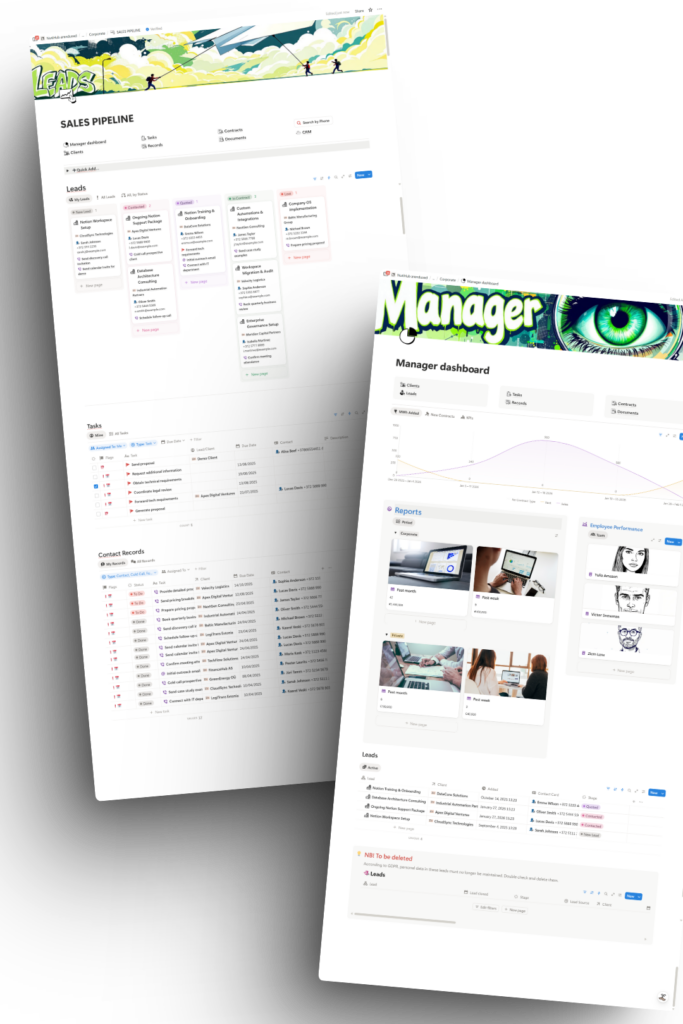
In practice, that means you can:
- Track projects, tasks, timelines, and owners in one place
- Keep project context next to execution (specs, meeting notes, files, decisions)
- Build simple views for different roles (leadership, project owners, contributors)
- Iterate the system as your process evolves instead of “switching tools”
What makes Notion a sophisticated project manager
Notion project management becomes powerful when you treat it like a connected system:
If you want the official overview, start here: Notion Projects product page
Common problems Notion solves
Tool fragmentation
Work lives across Slack, docs, spreadsheets, and inboxes
Broken overview
Status updates are inconsistent, and reporting takes too long
Missing context
Changes in other crucial business tools (e.g HR) do not reflect in Project management.
Onboarding friction
New team members cannot find the latest context
How to customize Notion to your workflow (not the other way around)
Notion is most effective when you map your current workflow into a lightweight system.
Customization examples:
- If you run client delivery, add a Client layer and a repeatable project template
- If you run product work, add a simple roadmap view and a decision log
- If you have approvals, add “Review” steps and clear ownership rules
Best practices
so your system stays usable
- Keep the number of databases minimal
- Make “status update cadence” a habit (weekly is enough)
- Prefer clarity over complexity: fewer statuses, fewer properties
- Define what “Done” means for your team
Learn more
Official Notion guidance